How do I log in to My orders?
In short
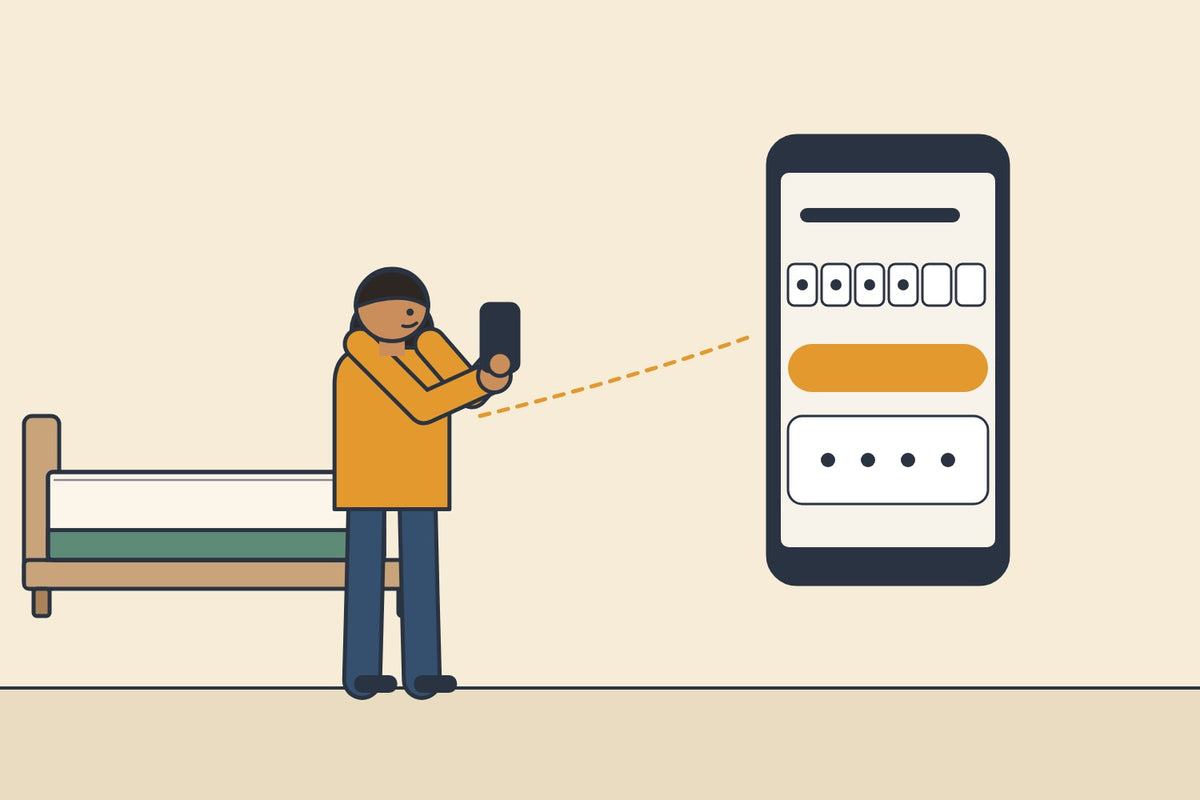
Open My orders at the top of any page. Type the mobile number or email you gave on your order, and we send you a code. Type the code and you are in. There is no password.
No passwordjust a code
Your mobile or email, then a code. Use the one on your order.
Sign in, in three steps

- Open My ordersAt the top of every page, or here.
- Type your mobile or emailThe one you gave when you ordered.
- Type the code we send youThen you are in.
The code doesn't come?
Check which one you used. The code goes only to the mobile or email on your order. For an email, look in the spam folder too.
Used another number? Call us on 080 4749 4649 or WhatsApp 88614 07078. We find your order.
What you can do in My orders
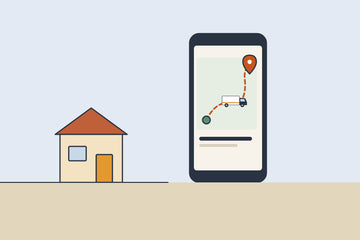
- Track itEach stage, the date, and the tracking number once it ships. Where is my order?
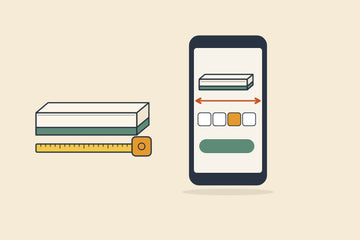
- See it madeA dated photo of your mattress with a tape measure.
- Change the sizeBefore we make your mattress. How
- Download invoiceYour GST invoice too. GST invoice
- Start a returnTap Return, with photos, any time in your 100 nights.
Haven't ordered yet? See the three Sunday mattresses.
Questions people ask
I forgot my Sunday password. How do I reset it?
There is no password to reset. You sign in with a code sent to your mobile or email.
Which mobile number should I use to log in?
The one you gave at checkout. If you are not sure, call us on 080 4749 4649.
Can I see all my Sunday orders in one place?
Yes. Your orders are listed in My orders.